How to use COMPASS ID
Point COMPASS at a family, a region, or a theme, and it harvests the literature, AI-tags every study, geolocates the fieldwork, and hands you an interactive evidence atlas.
COMPASS turns a question into a living map of the evidence. Here’s the flow.
1 · Point it at a scope
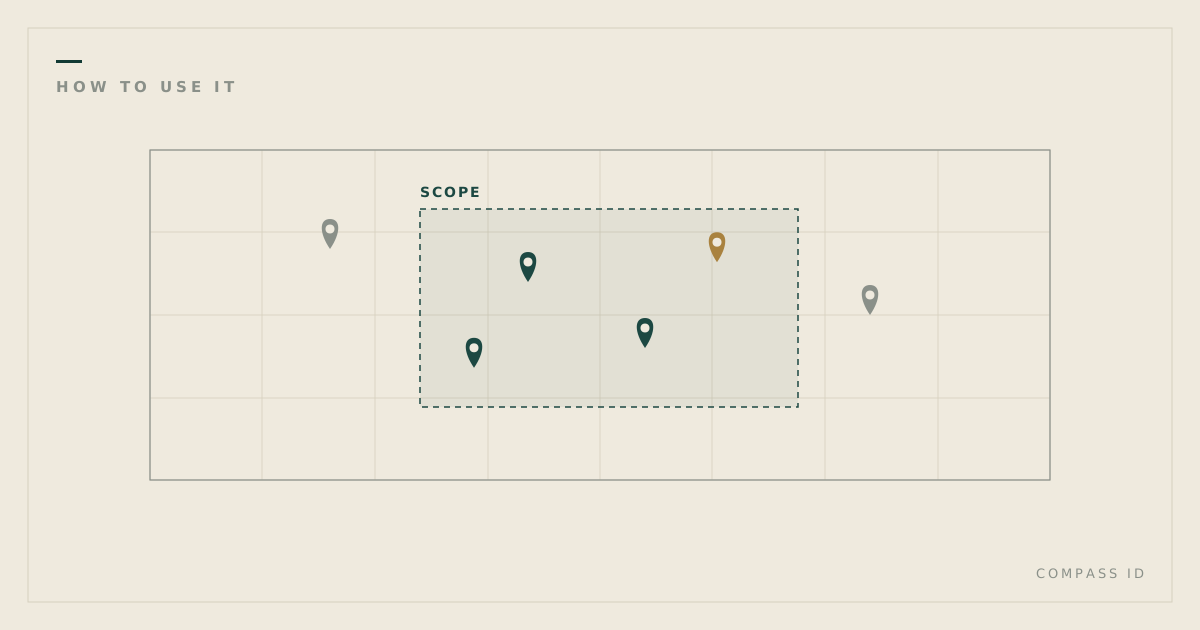
A scope is any slice of the literature: a taxonomic family (Apocynaceae), a region, or a theme (desertification). COMPASS harvests the indexed studies for that scope, AI-tags every one across dozens of dimensions, and geolocates the study sites, meaning where the science was actually done rather than where the authors are based.
2 · Explore the atlas
Each scope opens as an interactive evidence atlas:
- Map: geolocated fieldwork; blank regions are measurable gaps.
- Papers: every study, filterable by species, method, region, and more.
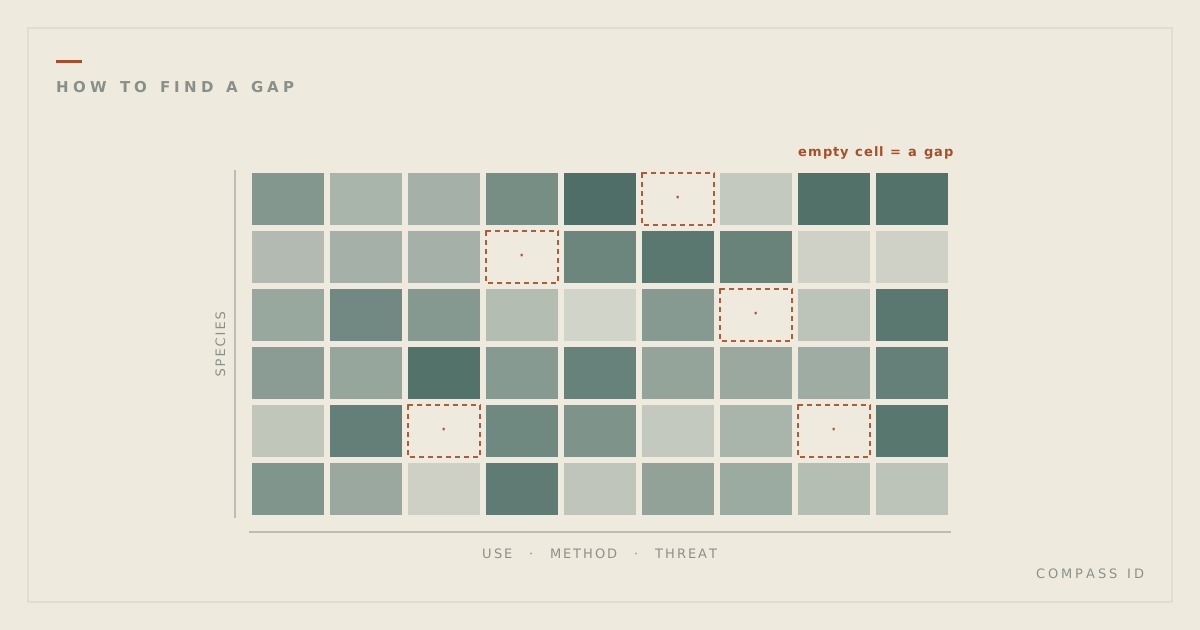
- Gap matrix: cross-tab any two dimensions; empty cells are combinations no study covers.
- Gaps & network: the under-studied edges of the field, and how its sub-topics connect.
3 · Read the report
For a guided narrative, each atlas has a long-form report: a data-driven read of the whole field, publishable as a blog post, an academic article, or a policy brief.
4 · Make it yours
Create a COMPASS ID to run your own scope, tag private documents alongside the public corpus, and connect your work to the questions it advances.